One-time purchase
Pay $49 once. No monthly subscription.
Originally created in 2003. Rebuilt for today.
Your information. Your device. Your control.
If a family member needed to step in tomorrow, could they quickly find the important details? Bring personal, home, pet, medical and financial records together now, so you’re not starting from scattered papers in a stressful moment.
Your information stays under your control. The application is designed for customer-controlled local storage and backup.
Passport
Enter or edit your details below

Less scattered. More ready.
Keep your information, photographs and supporting documents together so you and the people you authorize can find them when needed.
Pay $49 once. No monthly subscription.
Your records are designed to stay on your device and in backups you choose.
Add photos and documents to applicable records.
Review a subcategory, a section or everything in one summary view.
Good planning meets you where you are
You don’t need a crisis or a perfect plan to begin. Start with the information that matters to your household now, and keep it current as life changes.

Make it easier for someone you trust to find key contacts, insurance, medical details and records if you need help.

Create an organized household starting point together, then update it as your home, plans and responsibilities grow.

Bring a loved one’s important medical, insurance, contact and household details into a clearer view, with their knowledge and agreement.

Recommend a practical place for clients to organize supporting information alongside their professional planning. My Digital Data is an organizer, not legal advice or a substitute for legal documents.
Built around your life
Life changes. Your records can change with it. Add, edit or remove information, attach supporting photos and documents, and use the summary to see what you’ve gathered.
Start with the categories that fit your household, from personal information and property to pets, estate planning, insurance, finances, business and medical records.
See the organization flow in the demoMake it yours
Add or update records as details change. Remove what no longer applies.

Keep context together
Attach multiple photos and documents to applicable records.
See the full picture
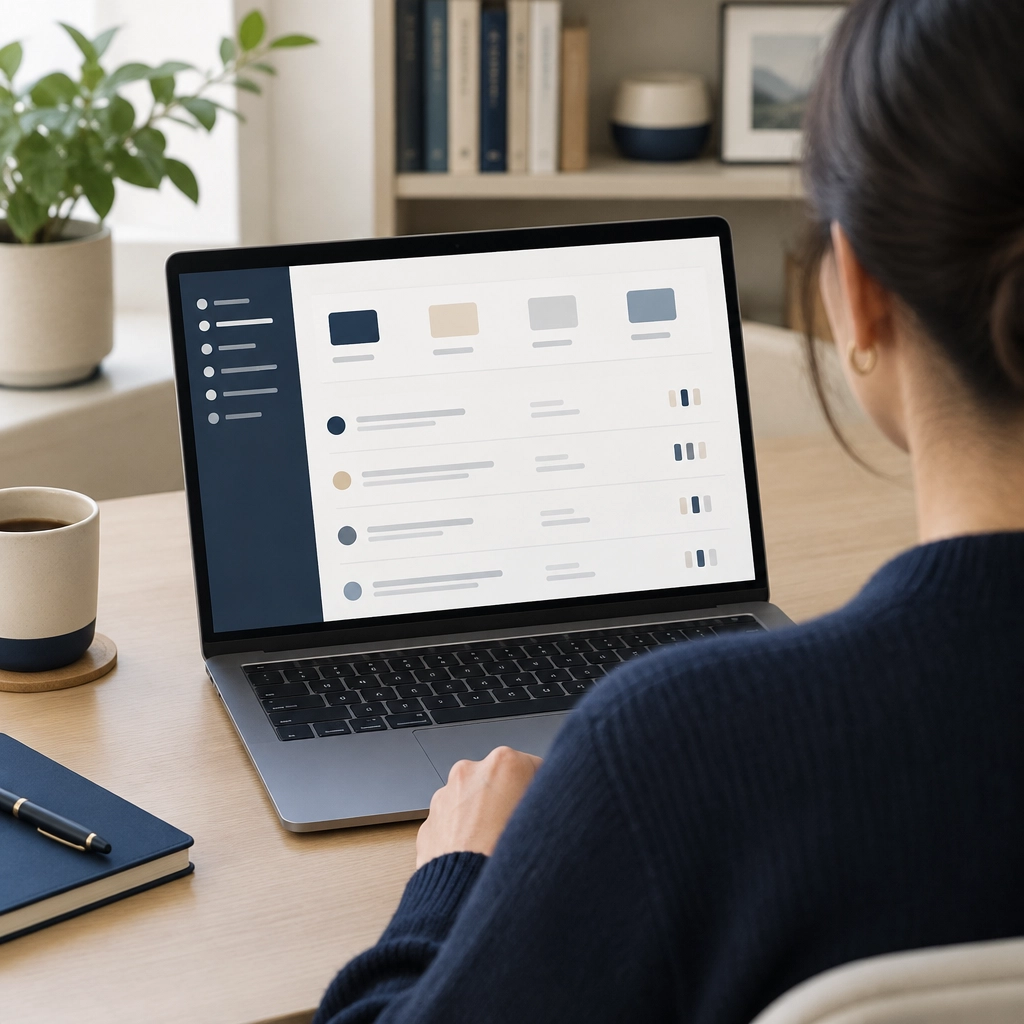
Use the summary to review one category, a section or your collected information.

Choose your backups
Create encrypted backups in locations you control and choose.

Make readiness a simple routine
A useful plan doesn’t have to be finished in one sitting. Start with the details most likely to matter, then update them when life changes.
Because this is designed to keep records on your device, it isn’t a cloud account that requires an active subscription to retrieve them. Once installed, local records are designed to remain on that device if the internet or a hosted service is unavailable. The online demo, purchase, download and support still rely on internet access.
Keep your password and recovery information somewhere secure and separate, and decide in advance who you trust to access the information or an encrypted backup. The published FAQ cautions that password recovery may not be possible, so don’t assume support can reset it.
A current backup and a tested restore matter. No storage method can eliminate every risk.
Read the Backup & Restore guideOne place, many parts of life
Bring everyday details and important records into a structure that’s easier to review.

Social Security, driver’s license, passport, birth certificate, contacts and accounts.

Residence, vehicles, jewelry, furnishings, firearms and artwork.

Documents, medication, proof of ownership and guardian details.

Last will, living will, funeral, cemetery and contacts.

Vehicle, health, home and life insurance information.

Bank accounts, safe deposit box, credit cards, mortgage, loans and retirement.

Business property, vehicles, financial, insurance and professional contacts.

Medications, doctors, pharmacies and related information.
Compare your options
A high-level comparison of common approaches. They can complement one another, and the best fit depends on what you need.
| Approach | My Digital Data | File box | Subscription software | Professional services |
|---|---|---|---|---|
| Useful for | Organizing personal and household information across dedicated categories | Keeping paper documents and originals together | Specific tasks such as accounting, budgeting or online recordkeeping | Personalized advice or help from a qualified professional |
| Cost approach | $49 one time; no monthly fee | Varies with supplies and how you organize it | Plan and fees vary by provider | Fees vary by professional and service |
| How information is organized | Purpose-built categories, attachments and a summary view | Folders and labels you create and maintain | Features depend on the particular service | Guidance is tailored to the engagement; recordkeeping varies |
| Access and upkeep | Designed for local access on your device once installed; you update and back up your records | Available where you keep the box; you update and protect the papers | Depends on the provider, connection and account plan | Access depends on the professional and the agreed service |
| Best used as | A personal information organizer, alongside your chosen backups and professional advice | A physical home for documents, originals or copies | A solution for the specific functions the service provides | A source of professional guidance, not a substitute for keeping records accessible |
| Trade-offs to consider | You manage your password, updates and backups; protect your device and keep encrypted backups current | Paper can be hard to retrieve quickly in an emergency, and security depends on where and how it’s stored | Ongoing fees may apply to keep using the service; access can depend on internet, account and provider availability | Managing records for you may add ongoing professional fees; scope, costs and access arrangements vary |
This is a general overview, not a comparison of specific providers. Subscription features, fees and offline access vary; review each provider’s terms and access policies. My Digital Data is an information organization tool; it does not replace legal, financial, medical, tax or other professional advice.
A practical first step
Take a few minutes to see how the categories, attachments and summary fit together. Then decide whether it’s the right way for you to build and maintain your records over time.
Explore with fictitious sample information only. The demo resets automatically.
More detail, at your pace
Read about setup, backups, privacy and purchase terms before you decide.
Answers about the application, demo and backups.
Open original PDFHow the product is designed around customer-controlled information.
Open original PDFPrivacy information for the website and product.
Open original PDFHow to back up and restore your information.
Open original PDFGetting started after purchase.
Open original PDFImportant information shown in connection with purchase.
Open original PDFTerms governing use of the purchased software.
Open original PDFTerms governing use of MyDigitalData.org.
Open original PDFThe digital product refund policy.
Open original PDF